


GAMINJA P48 Wireless Gamepad with Six Axis Gyroscope Game Controller For PS4 PS3 Console Wins 7 8 10 Dual Vibration PC Joystick
Couldn't load pickup availability
SPECIFICATIONS
Battery Included: Yes
Brand Name: GAMINJA
Certification: CE
Choice: yes
Compatible Brand/Model: Sony
Compatible Platform: playstation,PC
Compatible Sony Model: PLAYSTATION4,playstation3
Finish Type: Others
Hall Effect: no
High-concerned chemical: none
Interface Type: Bluetooth
Joystick Sensor Module Brand/Type: POLYSHINE
Model Number: P48 Wireless Gamepad
Origin: Mainland China
Package: Yes
Pattern: Monochrome
Trigger Button Type: Non-Linear
Type: Gamepads
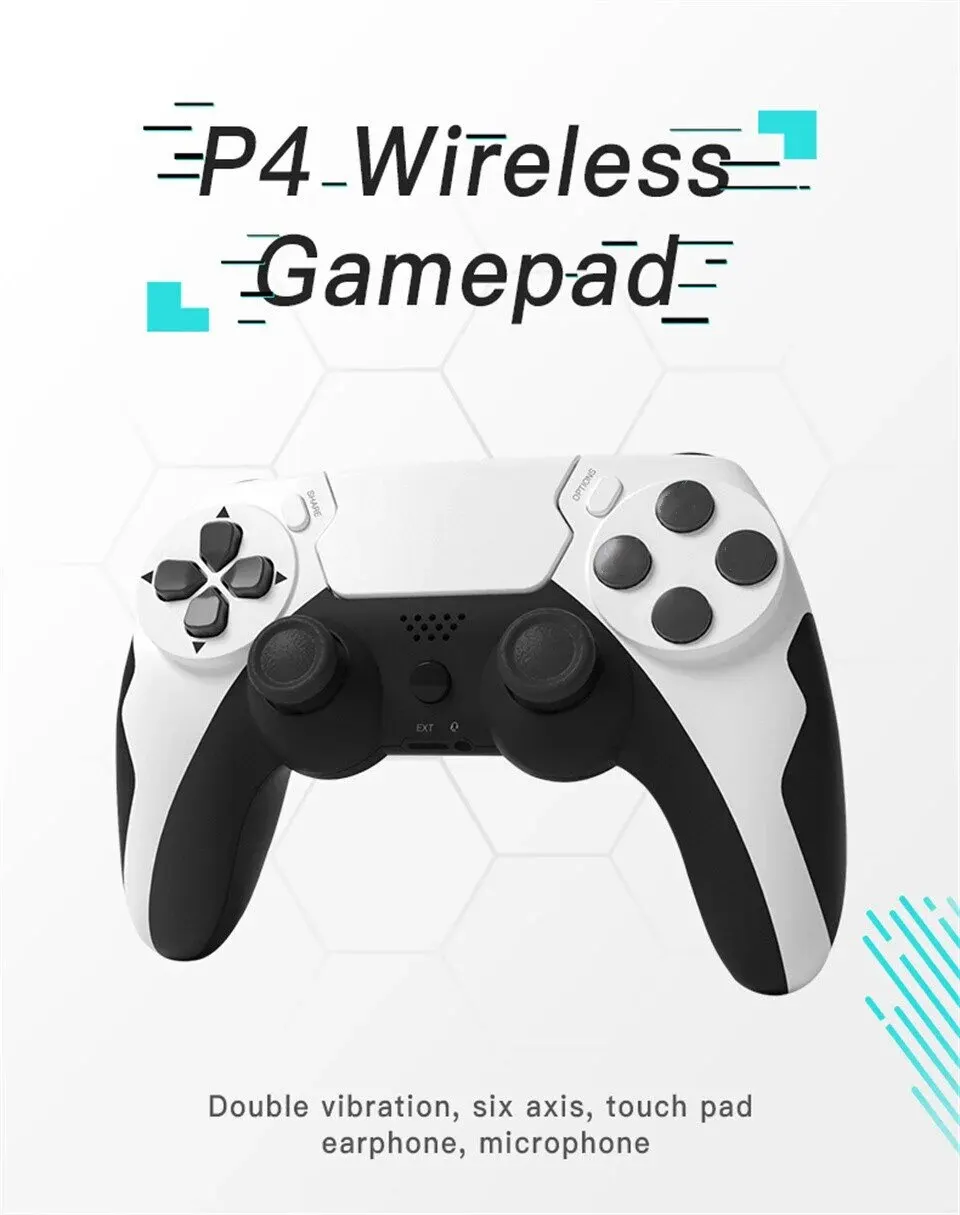
• Wireless Gamepad :Experience uninterrupted gaming with the GAMINJA P48 wireless gamepad, designed for seamless control and comfort during long game sessions.
• Six-Axis Gyroscope :Equipped with a six-axis gyroscope, this gamepad offers precise motion sensing, enhancing your gaming experience with accurate movements.
• Bluetooth Interface :Connected via Bluetooth, this gamepad ensures fast and stable connectivity with your Sony console or PC, eliminating any lag or interference.
• Dual Vibration Function :The dual vibration function of the gamepad provides a more immersive gaming experience, vibrating along with the game to mimic realistic movements.
• Non-Linear Trigger Button :The non-linear trigger button offers a unique and customizable gaming experience, allowing you to fine-tune your reactions for optimal performance.
• Compatible with Sony Console :Designed specifically for Sony consoles like PS4 and PS3, this gamepad offers a seamless gaming experience, making it an essential accessory for any gamer.
Controller Connection & Activation Guide
1.For PS4 Wireless Connection (Must activate via cable on first use)
Step 1 (Activation): Controller off / sleeping. Connect to powered-on For PS4 using the included USB cable.
Step 2: Press the PS button. Indicator light on = recognized and paired.
Step 3: Unplug the cable. Controller switches to Bluetooth. Press PS button next time for auto-reconnect.
2.For PS3 / PC Wired Connection (No activation)
Plug the USB cable directly. Plug-and-play.
First Use Guide for New Controller
First use: Connect the controller to your console with the included USB cable to activate, then pair via Bluetooth. Auto Bluetooth connection available later.
PC: Wired connection only. (Compatible only with controller-supported games/software)
Operation:
Plug cable in → Solid indicator light = activation complete (one-time only)
Unplug → Enter Bluetooth pairing mode per manual
Bluetooth not found? Reactivate by reconnecting the USB cable, then retry pairing.
PC tip: Plug the USB cable directly for plug-and-play gameplay.
All controllers pass factory hardware testing. 99% connection failures result from skipped activation or no retry after activation.
If problems persist, contact our customer service.
Feature
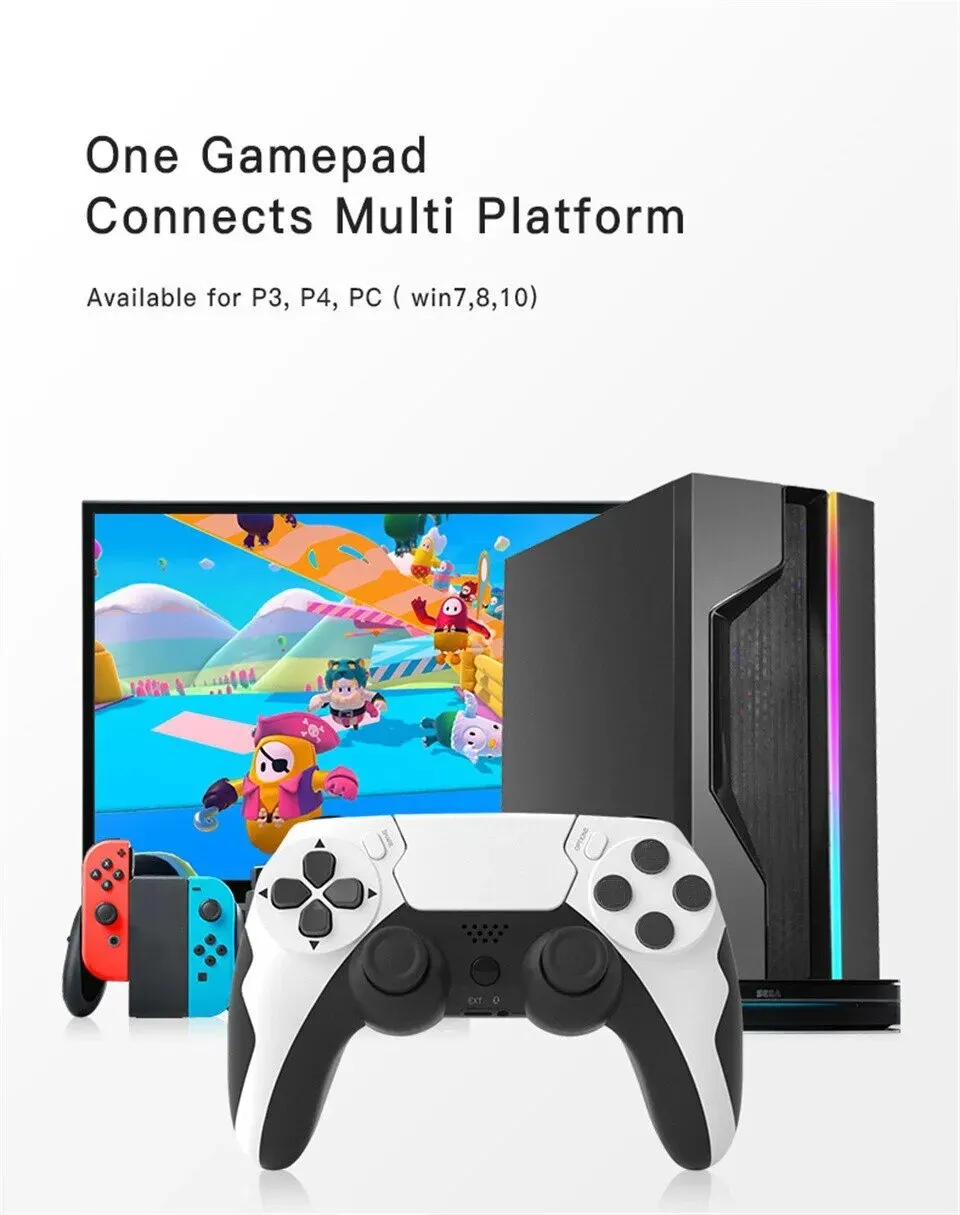
1) One gamepad connect to multi platform , available for P3 ,P4 ,PC (win 7,8,10)
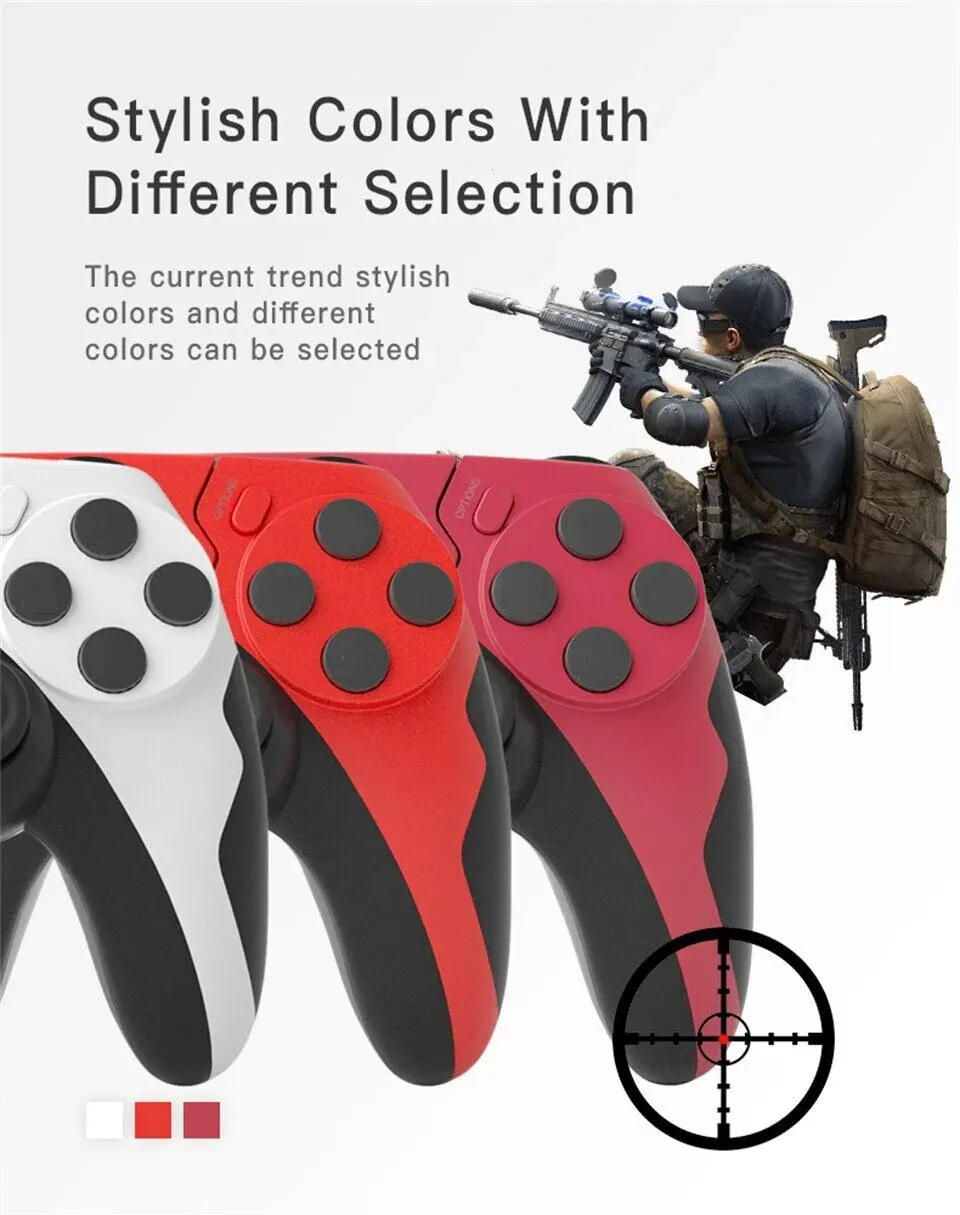
2) Stylish color with different selection
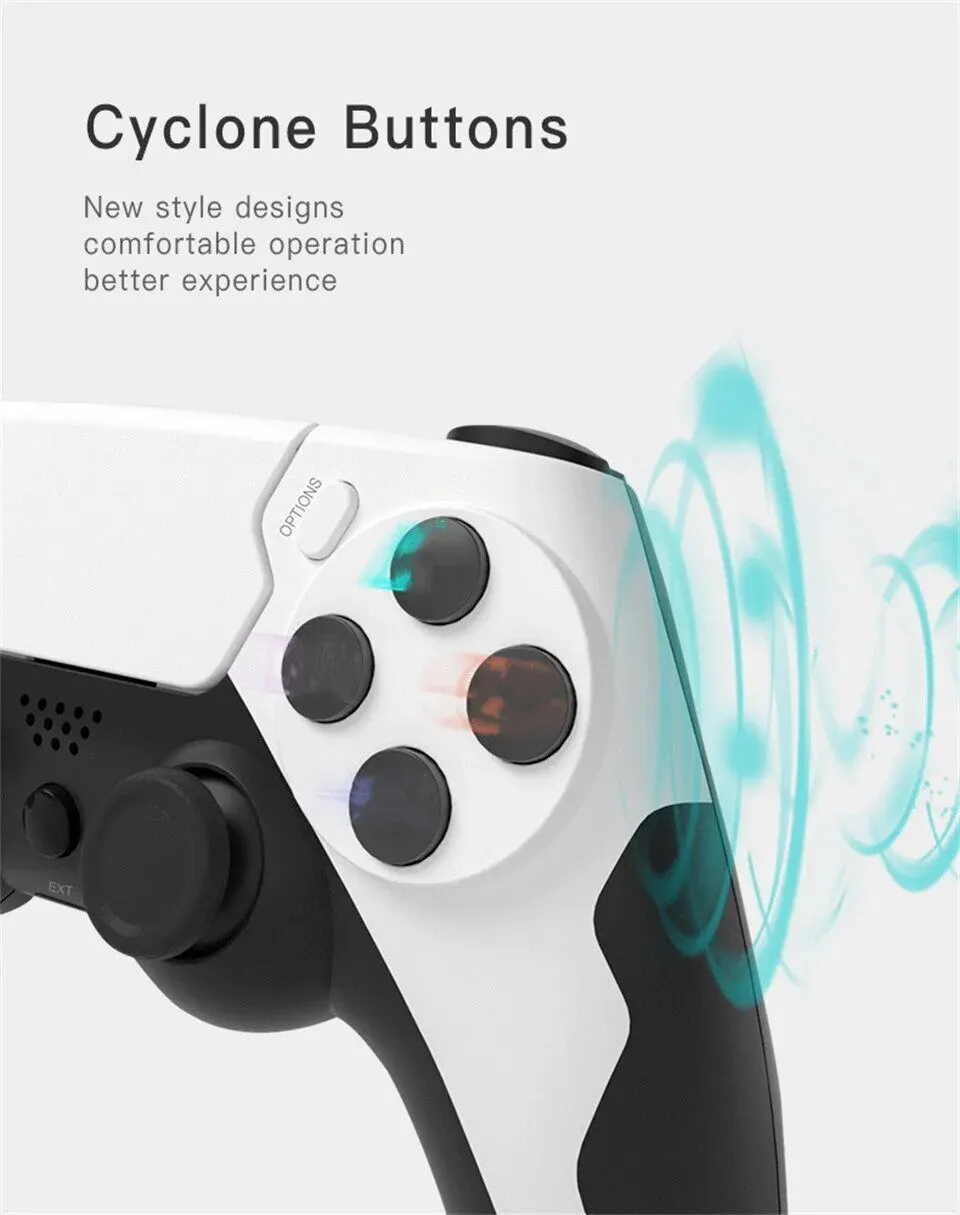
3) Cyclone buttons ,comfortable operation ,better experience
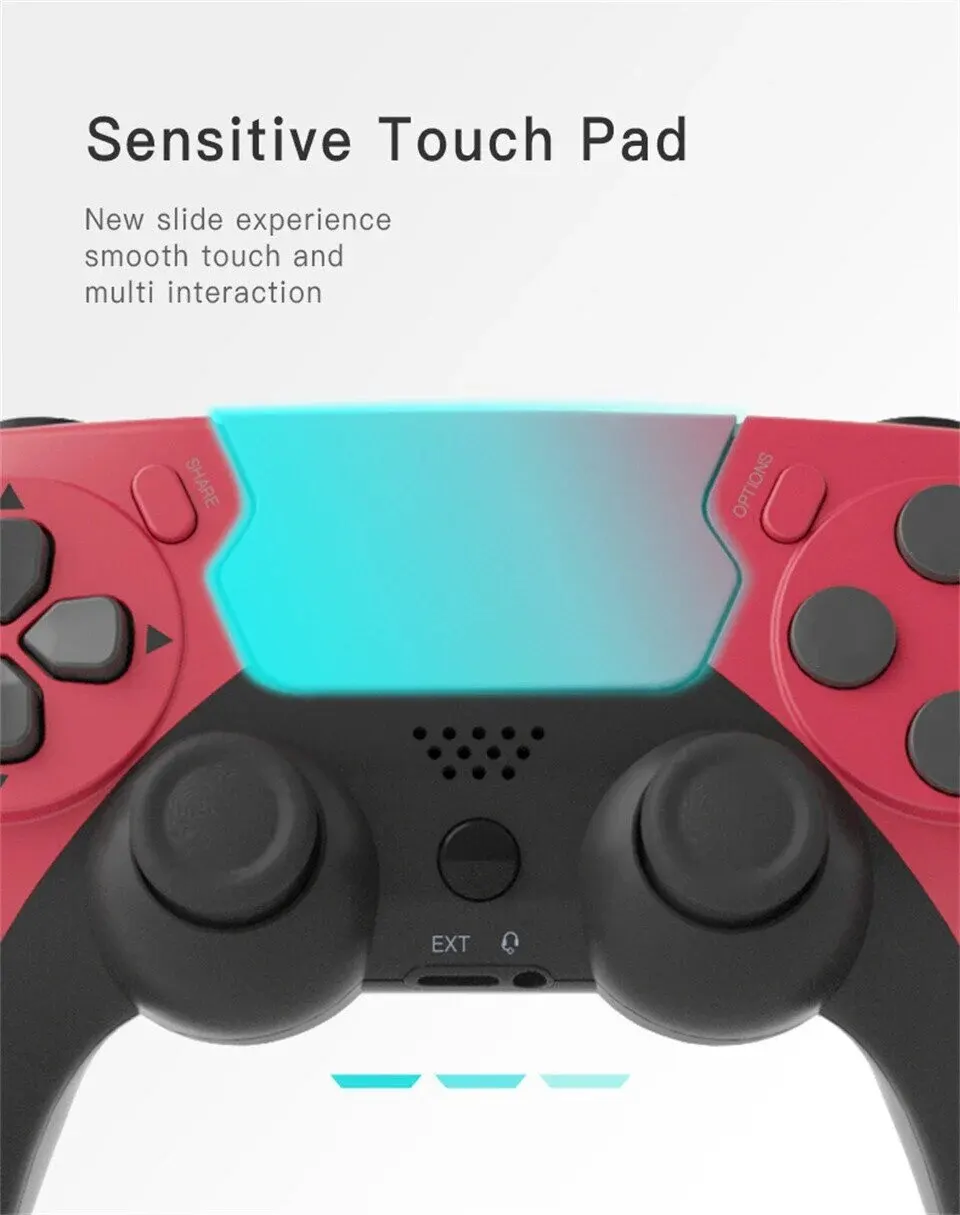
4) Sensitive touch pad ,new slide experience
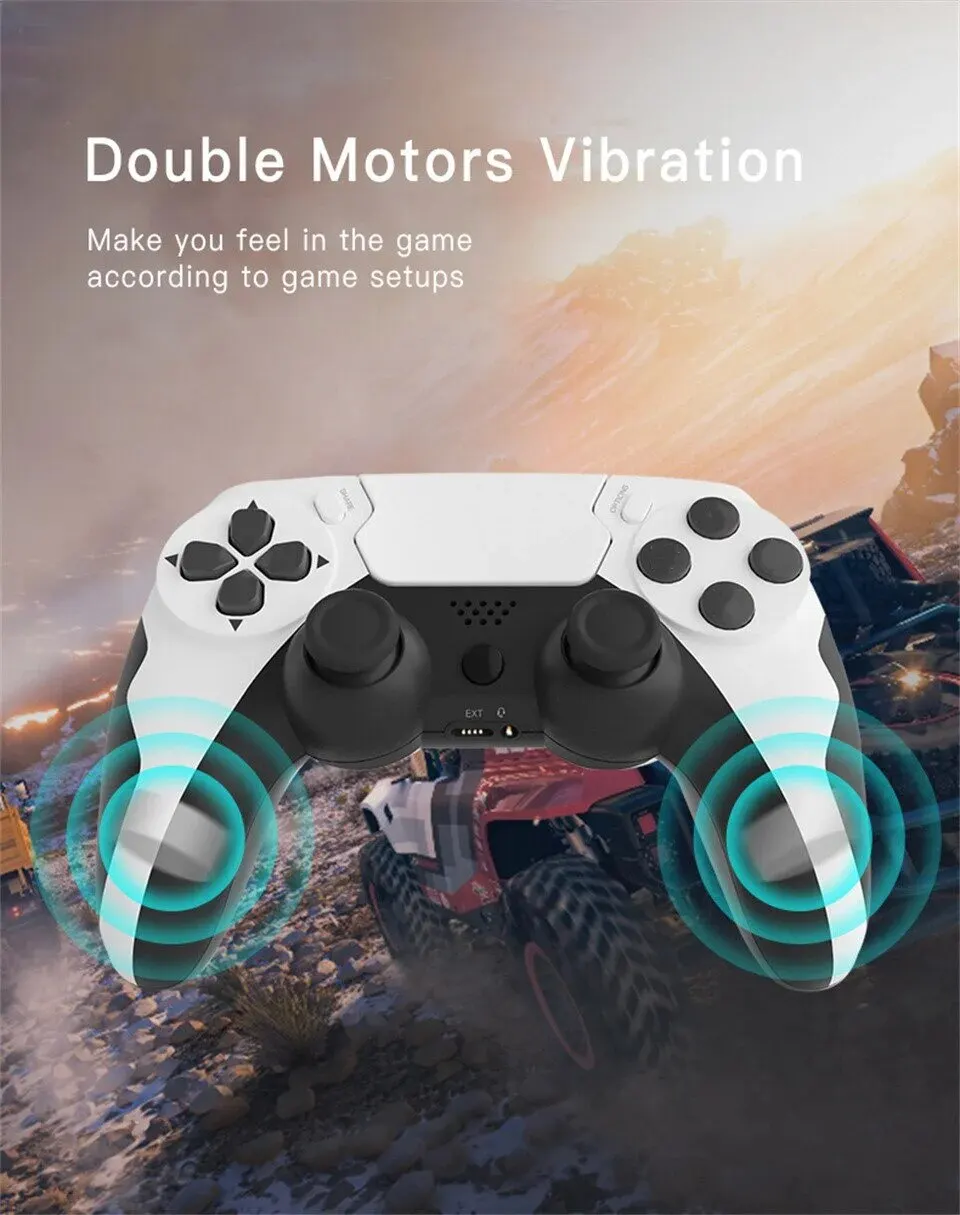
5) Double motors vibration ,open violent shock mode
6) Left and right handle can be 360° twisted , help to minor adjust and aim
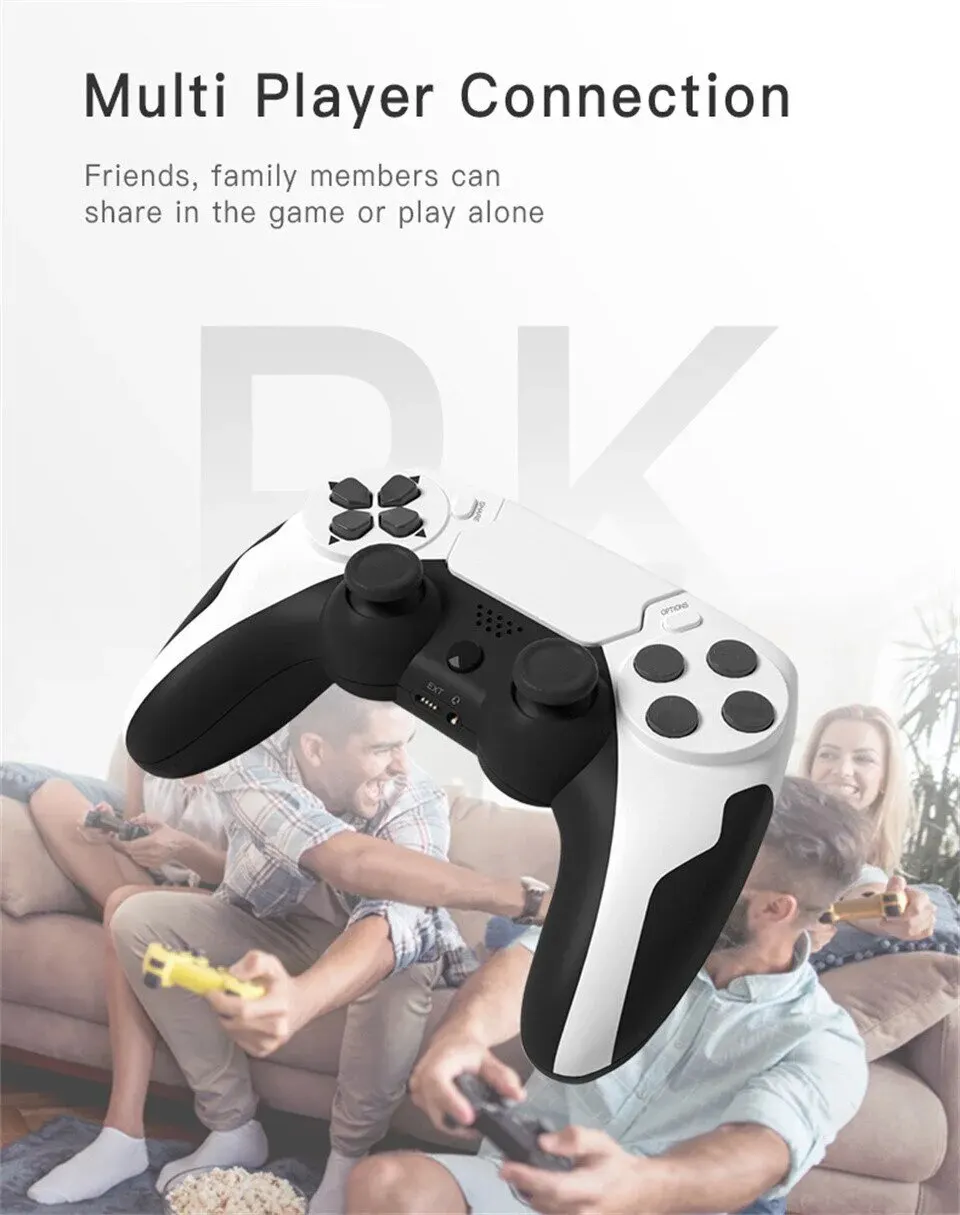
7) Multi player connection , friend/family members can share in the game or play alone
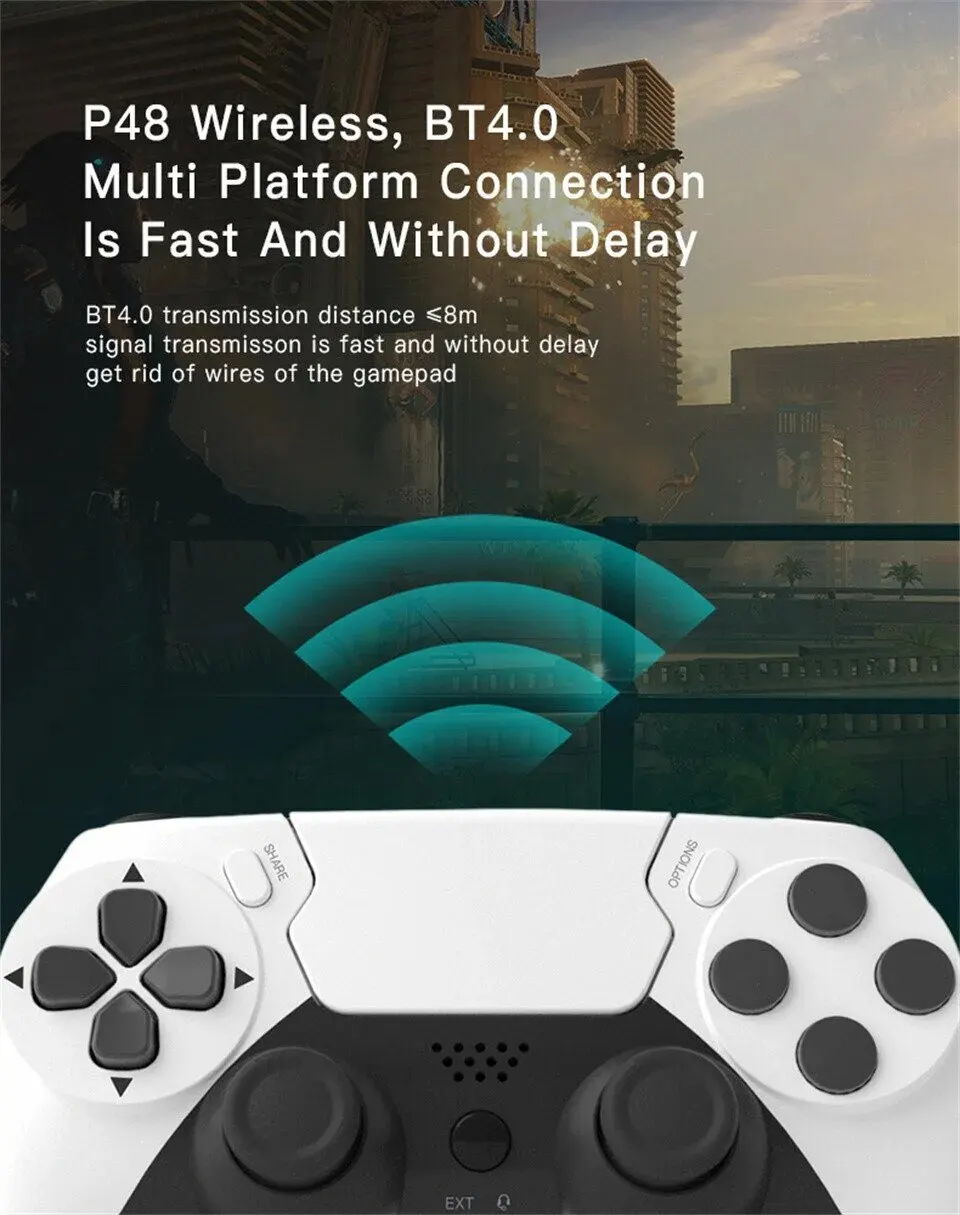
8) BT4.0 transmission is fast and without delay ,get rids of wired gamepad
Specification
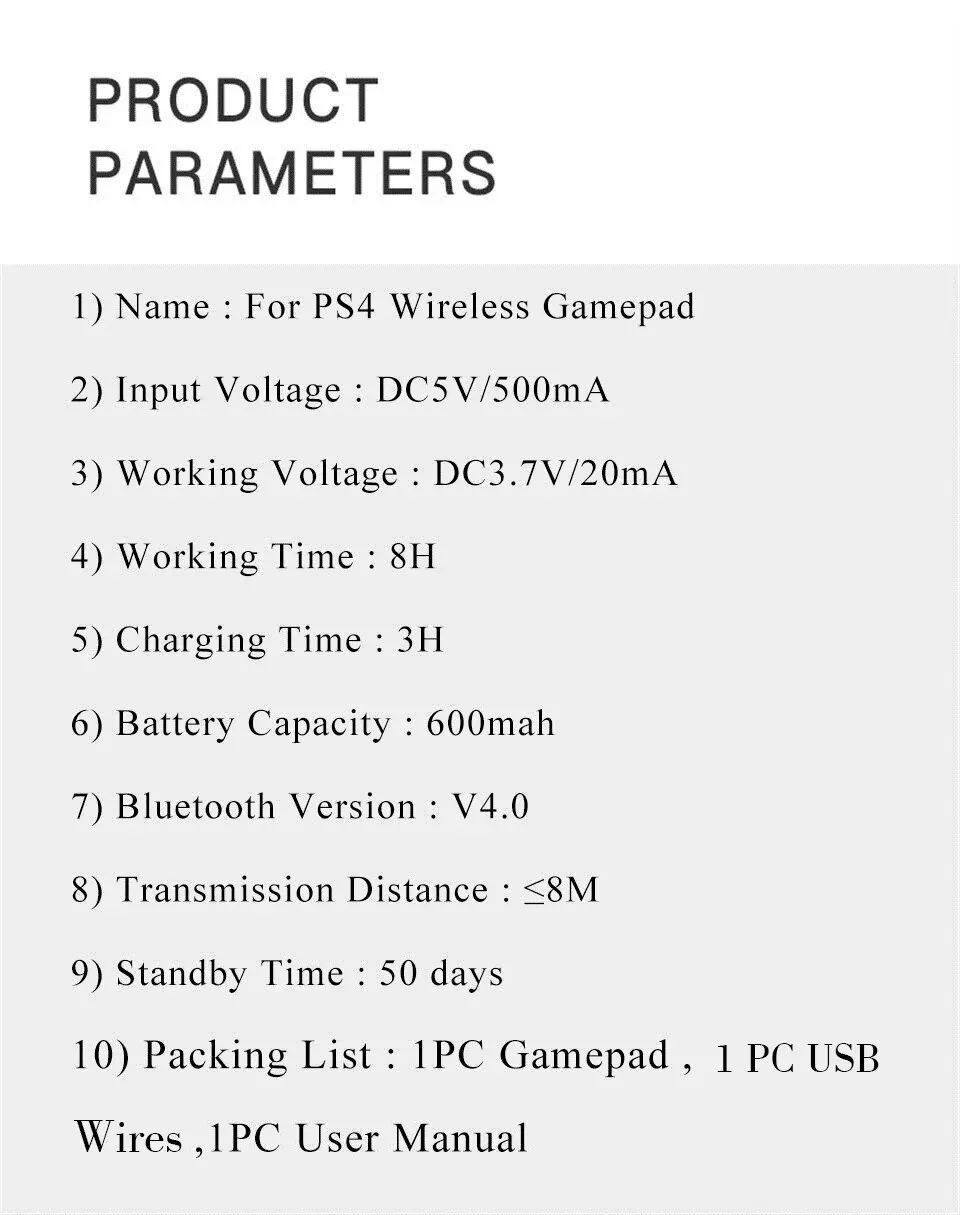
1) Name : For PS4 Wireless Gamepad
2) Input Voltage : DC5V/500mA
3) Working Voltage : DC3.7V/20mA
4) Working Time : 8H
5) Charging Time : 3H
6) Battery Capacity : 600mah
7) Bluetooth Version : V4.0
8) Transmission Distance : ≤8M
9) Standby Time : 50 days
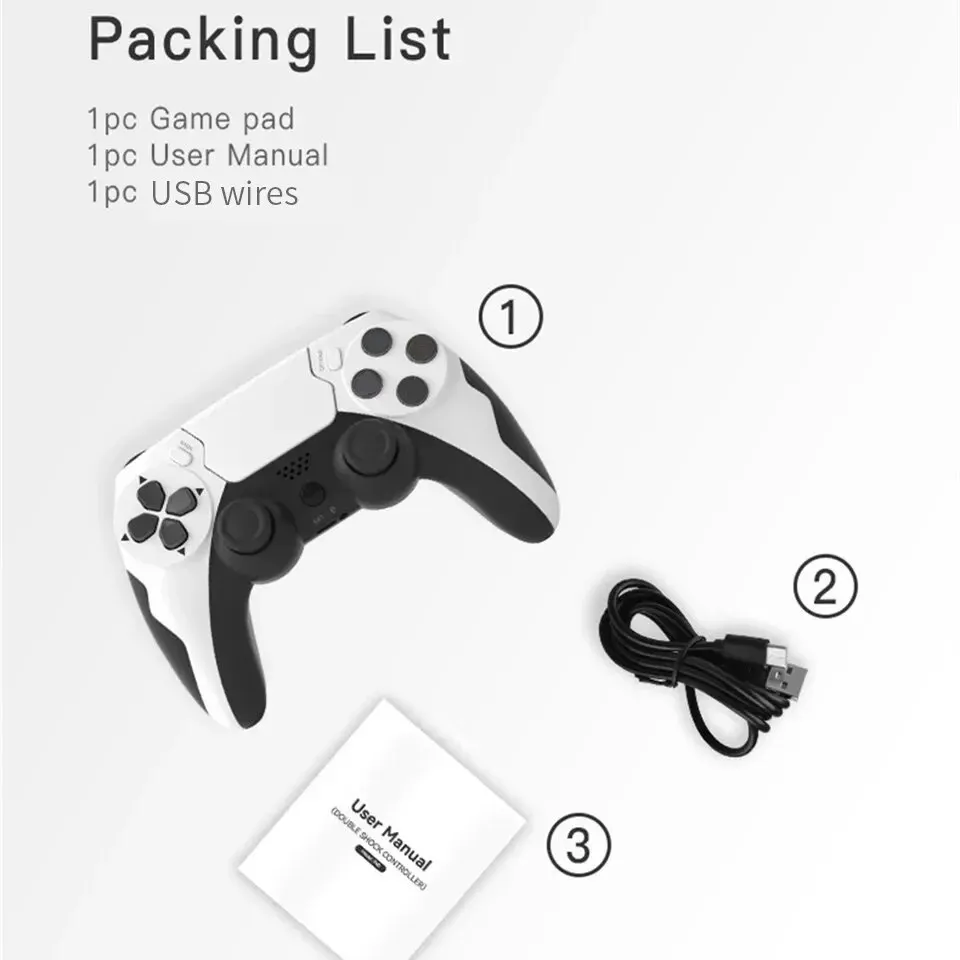
Packing List
1PC p48 GamePad
1PC Charging Cable
1PC User Manual
Notice : if you have any questions or concerns about our products, please feel free to contact us and we will help you solve it asap.
One Gamepad connect multi platforms
Available for P3 , P4 , PC ( win7 , 8 , 10 )
Stylish colors with different selections
The current trend stylish colors and different colors can be selected
Cyclone Buttons
New style designs comfortable operation better experience
Sensitive Touch Pad
New slide experience smooth touch and multi interaction
Double motors vibration
Make you feel in the game according to game setups
Multi player connection
Friends , family members can share in the game or play alone
BT4.0 multi platforms connection is fast and without delay
BT4.0 transmission distance < 8m signal transmisson is fast and without delay get rid of wires of the gamepad
Product Parameter
Packing List
1PC p48 GamePad
1PC Charging Cable
1PC User Manual
FAQ
1) Q : It can be connect to phone ?
A : No ,it cannot
2) Q : It can be connect to windows 11 ?
A : No , it cannot
3) Q : How to connect to P4 Console ?
A : In the sleep state of the handle , use the usb data cable to connect the p4 host to complete the pairing dress the ps button to connect wirelessly . Unplug the cable to control wirelessly automatically match the led )
4) Q : How to connect to PC ?
A : Press and hold SHARE + PS to enter pairing , the LED flashes quickly , search and connect the wireless controller


